
Build with Figma
NewEdit a template's design in Figma. Your agent reads the frame through the Figma MCP and the GetLayers MCP, then ships the live site.
The GetLayers MCP connects your AI assistant to the GetLayers library and the free AI design tools. It builds sites (also from a template you edited in Figma), designs 3D scenes and gradients, adds motion sections, wires in video backgrounds and rebuilds looks you made in the tools. One connection, no API key. Works with Claude, Codex, Gemini, Kimi, DeepSeek and any other MCP client.
You'll get the exact steps.
Run these inside Claude Code.
/plugin marketplace add textura-agency/getlayers-plugin
/plugin install getlayers@getlayersA browser window opens. Sign in with your GetLayers account and approve access.
Ask in your own words. More detail, and reference images for scenes, give better results.
Build me a landing page for a premium AI analytics product — dark, cinematic, with a 3D hero.In claude.ai or the Claude desktop app: Settings → Connectors → Add custom connector, then paste this URL.
https://mcp.getlayers.ai/mcpConnect it, sign in with your GetLayers account and approve access.
Ask in your own words. More detail, and reference images for scenes, give better results.
Build me a landing page for a premium AI analytics product — dark, cinematic, with a 3D hero.Cursor → Settings → MCP → New MCP Server, then paste this into mcp.json.
{
  "mcpServers": {
    "getlayers": {
      "url": "https://mcp.getlayers.ai/mcp"
    }
  }
}A browser window opens. Sign in with your GetLayers account and approve access.
Ask in your own words. More detail, and reference images for scenes, give better results.
Build me a landing page for a premium AI analytics product — dark, cinematic, with a 3D hero.Run this in a terminal.
codex mcp add getlayers -- npx -y mcp-remote https://mcp.getlayers.ai/mcpA browser window opens. Sign in with your GetLayers account and approve access.
Ask in your own words. More detail, and reference images for scenes, give better results.
Build me a landing page for a premium AI analytics product — dark, cinematic, with a 3D hero.In ChatGPT, Windsurf, Cline or any other MCP client: add a custom connector or MCP server, then paste this URL.
https://mcp.getlayers.ai/mcpA browser window opens. Sign in with your GetLayers account and approve access.
Ask in your own words. More detail, and reference images for scenes, give better results.
Build me a landing page for a premium AI analytics product — dark, cinematic, with a 3D hero.Edit a template's design in Figma. Your agent reads the frame through the Figma MCP and the GetLayers MCP, then ships the live site.
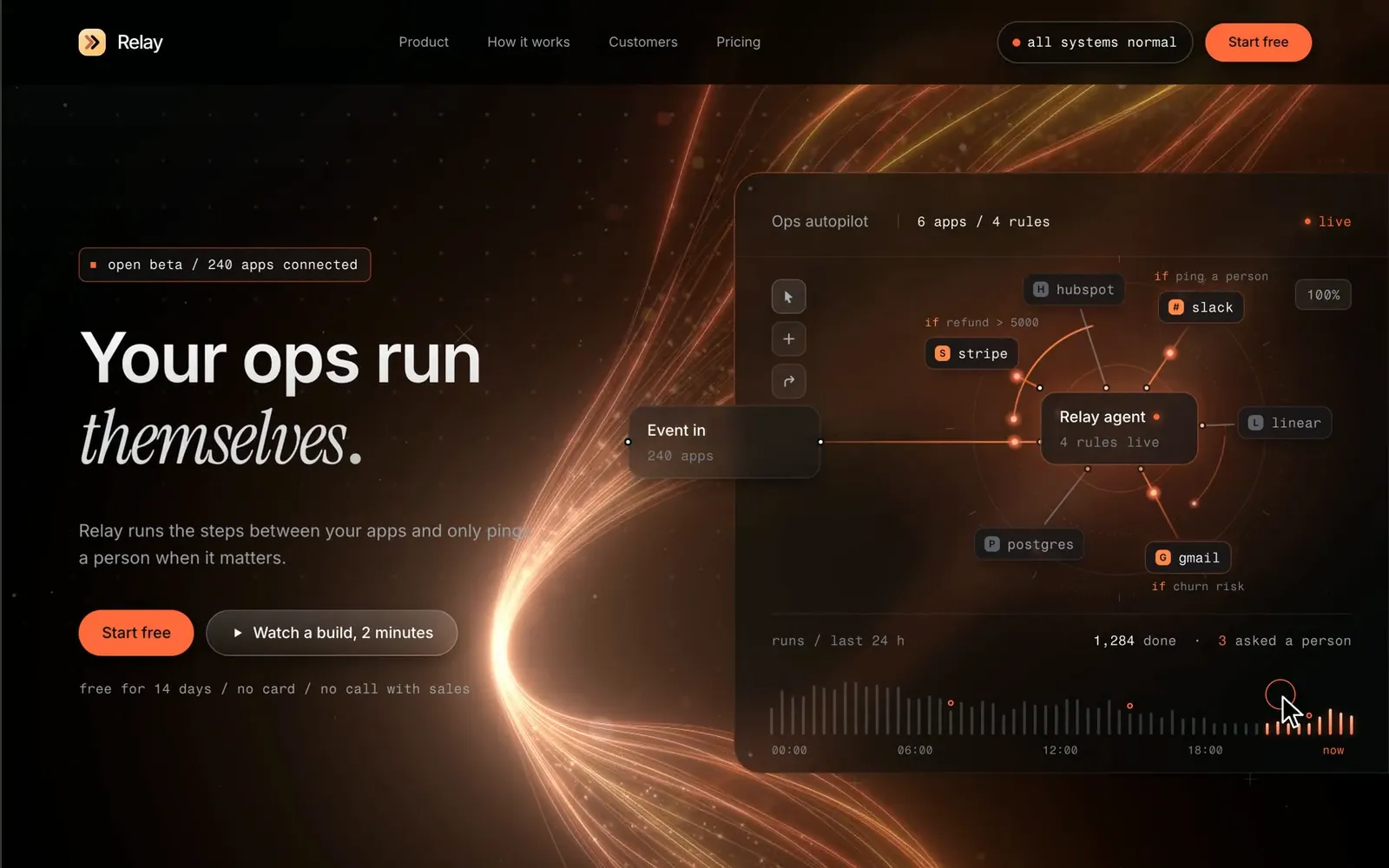
Start from a template and reshape it, or compose one section by section, all in one style.
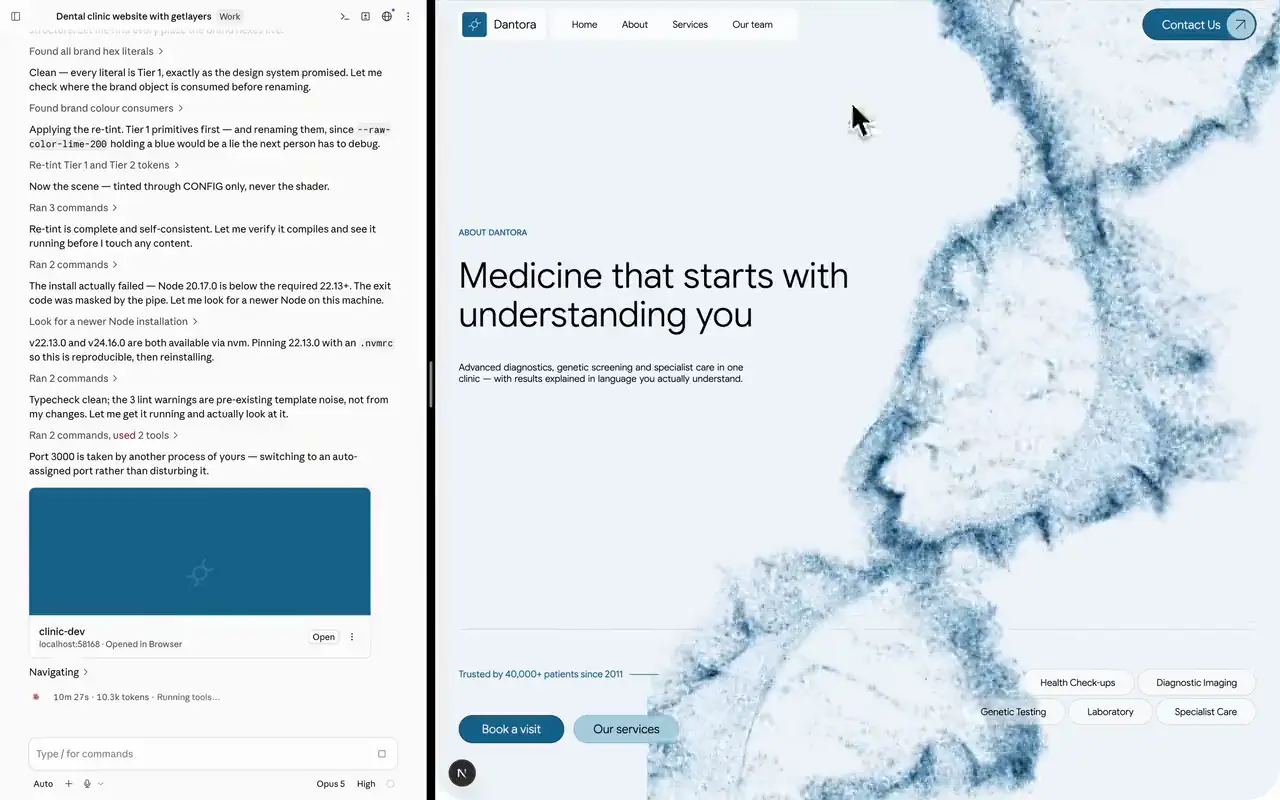
Describe the mood and motion, attach reference images, and get an original scene built on the library's techniques.
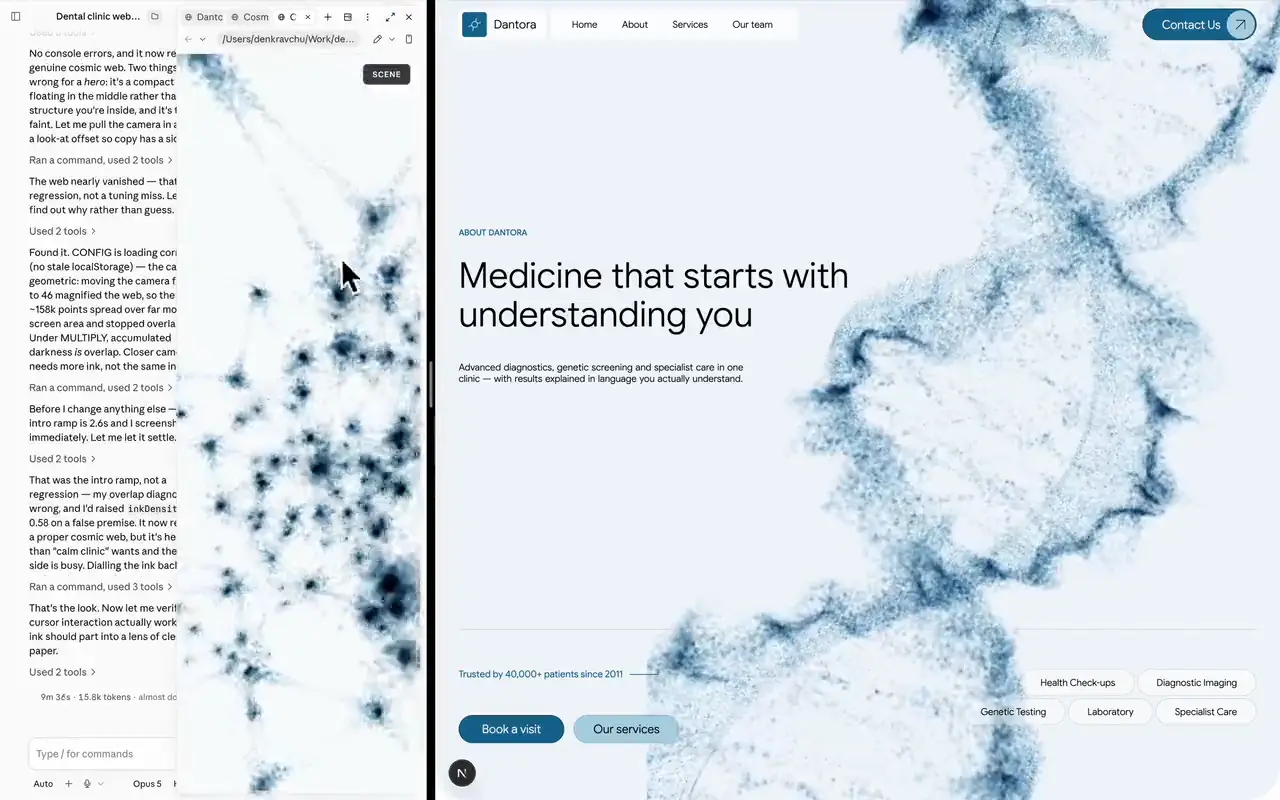
Ask for a scene, gradient, section or template and it goes into your build.
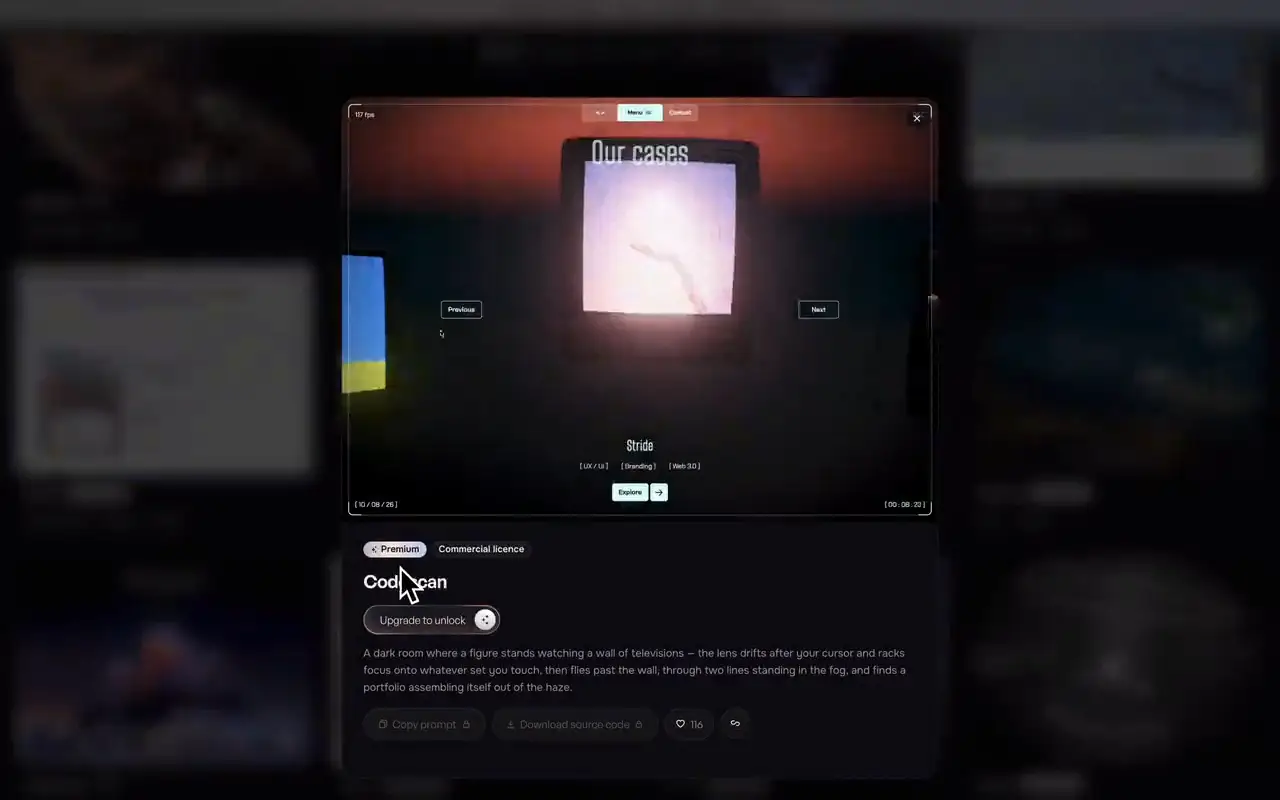
Describe the mood. It finds the closest background and wires it in full-bleed, tinted to your design.
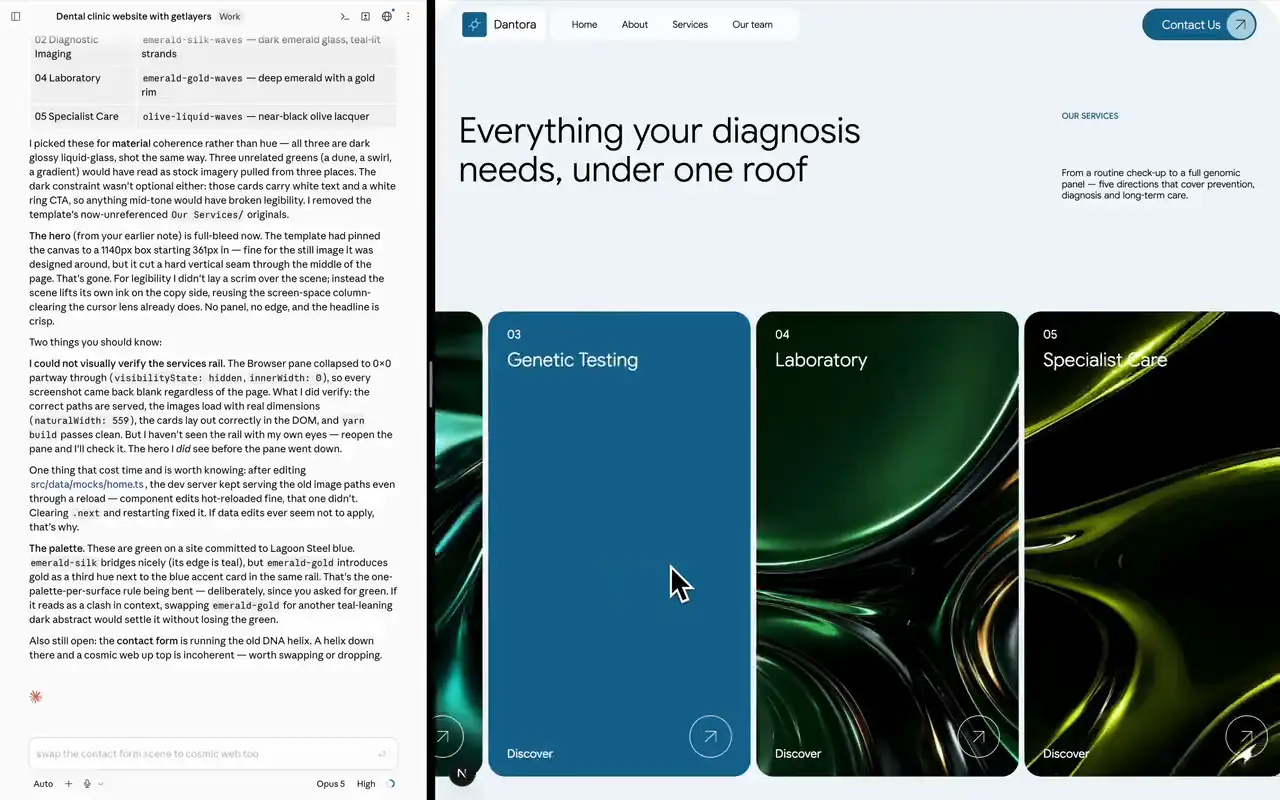
Point it at your repo. It reads your code, suggests where a scene, scroll motion or background fits, and pulls the pieces in.
Connect — Add the server once, sign in.
Ask — A site, a scene or a section, in your own words.
It builds — From the library, in your project, in your style.
Full Stack subscribers get a private Discord where we can support you.
Your agent now makes the media a page needs, not just pulls it, textures and remeshes 3D models, upscales what it has and removes backgrounds. Same models as the GetLayers Studio, and every result lands in your Studio library.
A model from a prompt or a photo, ready for any scene.
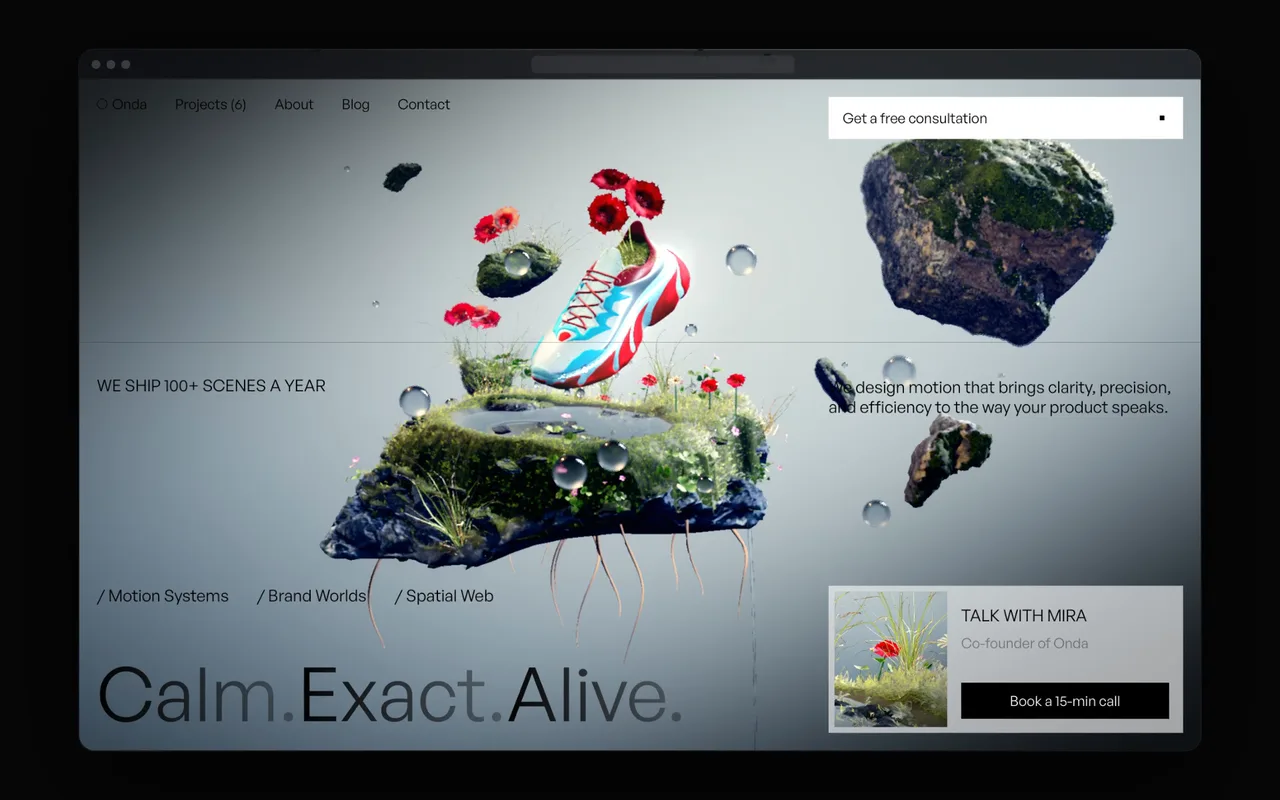
Photos and illustrations from a prompt, with optional reference images.
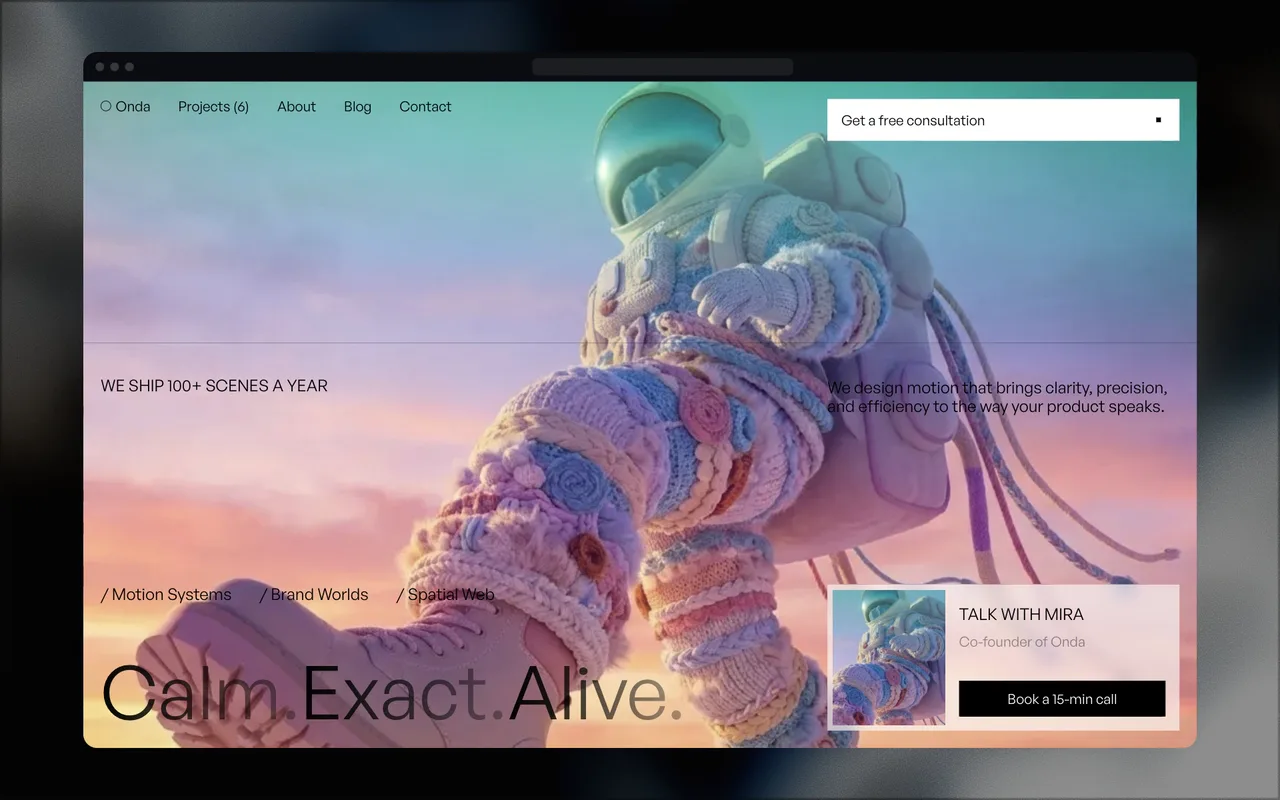
Clips from a prompt or a starting still. Your agent waits for the render and wires it in.
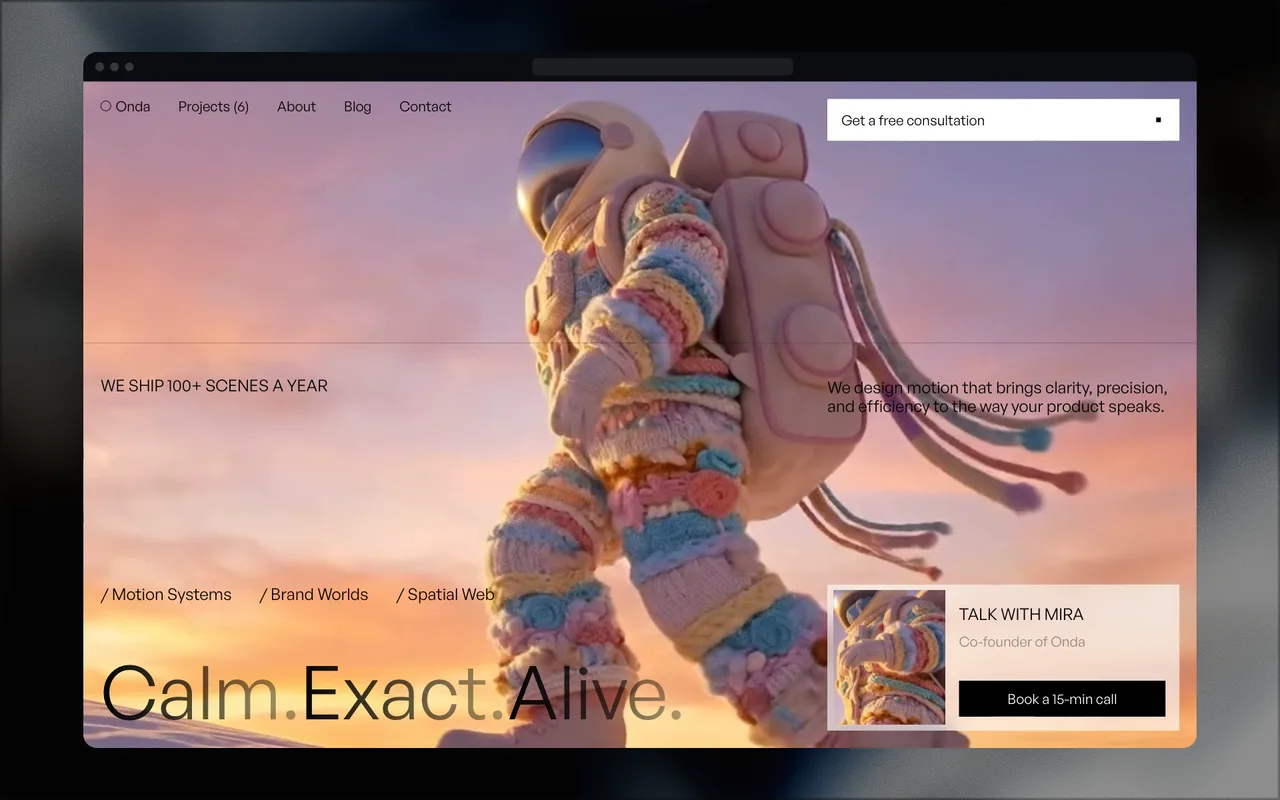
Sharpen a picture to 2× or 4×, or take a clip up to 4K with smoother motion. Your file or anything in your Studio.
Ask your agentUpscale the hero photo 4× so it stays crisp on retina screens.
Cut the subject out of one picture or ten, as a transparent PNG or on a colour you choose. Your files or anything in your Studio.
Ask your agentRemove the background from these three product shots and put them on white.
Give a model a new texture from words, a style picture or photos of the object, or rebuild its mesh lighter for the web. A model it just made or any model in your Studio.
Ask your agentTexture the chair model from this fabric photo, then remesh it to 10K faces for mobile.
Every MCP tool. You don't need to know them: just describe the task in plain words.
| Tool | What it does | Covers | Access |
|---|---|---|---|
| Start & plan | |||
Start a buildgetlayers_start | Loads the playbook: what it can build, the house guide and the library's vocabulary. |
| Unlimited |
Plan from a briefgetlayers_plan | Turns your brief into a style to commit to and the templates that fit it. |
| Unlimited |
Keep it coherentgetlayers_state_schema | The schema for getlayers.json, the file that keeps section 6 in the same style as section 1. |
| Unlimited |
| Find in the library | |||
Search in plain wordsgetlayers_search | “Wet neon hero”, “calm pricing page”: ranked by meaning, colour variants included. |
| Unlimited |
Browse by feelgetlayers_browse | Every layer of a kind, ranked by mood, tone, motion and density, each with a preview link. |
| Unlimited |
See everythinggetlayers_explore | The whole library as context, for a free-form build. |
| Unlimited |
| Build with it | |||
Pull the real thinggetlayers_materialize | The layer's source, tinted to your style, as a Next.js project or one HTML file. A whole template is one download. |
| Fair use |
Take one filegetlayers_source | A single component, hook or config from a template, instead of the whole project. |
| Fair use |
Build from Figmagetlayers_figma_match | Finds the template behind a frame you edited in Figma, so your agent rebuilds the site from its real source with your changes. |
| Unlimited |
Design a new 3D scenegetlayers_scene_lab | An original scene from your description and reference images, built on the library's techniques. |
| Fair use |
| Tools & favourites | |||
The AI design toolsgetlayers_tools | The 12 AI design tools that work through the MCP (all but Image Compressor) and their presets, so your agent can pick the closest starting point for your brief. |
| Unlimited |
Make a new effectgetlayers_tool_look | Tunes a tool's preset to your brief and returns the tool's exact build prompt. Nothing to save first. |
| Unlimited |
Your saved listgetlayers_my_favourites | Everything you saved on getlayers.ai: hearted layers, tuned gradients and scenes, and tool looks. |
| Unlimited |
Rebuild a saved lookgetlayers_reproduce | Rebuilds any saved item 1:1 in your project. A tool look arrives as its exact build prompt, with your uploaded files. |
| Partly fair use |
| Generate | |||
Pick a modelgetlayers_generation_models | The image, video and 3D models, 3D texturing and remeshing, the upscalers and background removal on offer, what each takes, what a run costs in credits, and your balance. Your agent quotes the cost and asks before it spends. |
| Unlimited |
Start from your filegetlayers_generation_upload | Uploads a reference picture, a first or last frame, photos of an object, a picture to texture a model from, a file to upscale or a picture to cut out, so a run can start from them. |
| Unlimited |
Generate images & videogetlayers_generate | Pictures or a clip from a prompt, with optional references or frames. Runs in the GetLayers Studio and lands in your Studio library. |
| Credits |
Check a rungetlayers_generation_status | Waits for pictures, clips, upscales and cutouts to finish and hands back a preview and the file. A failed run returns its credits. |
| Unlimited |
Cancel a rungetlayers_generation_cancel | Takes a queued picture or clip off the queue and returns its credits. |
| Unlimited |
Upscale a picture or clipgetlayers_upscale | A picture to 2× or 4×, or a clip up to 4K with frame interpolation, from your file or anything in your Studio. Priced from the file's size before it runs, never charged above it. |
| Credits |
Remove the backgroundgetlayers_remove_background | Cuts the subject out of up to ten pictures, as a transparent PNG or on a colour you pick, from your files or anything in your Studio. Quoted per picture before it runs, never charged above it. |
| Credits |
Generate a 3D modelgetlayers_generate_model | A GLB from 1–4 photos of an object, or from a prompt, textured or bare. Quoted upfront and never charged above it. |
| Credits |
Get the 3D modelgetlayers_model_status | Waits for a new, textured or remeshed model, then hands back the GLB, a still, and a compressed copy for the web on request. |
| Unlimited |
Texture a 3D modelgetlayers_texture_model | A new texture for one of your models, from a description, a style picture or 2–4 photos of the object. Quoted upfront and never charged above it. |
| Credits |
Remesh a 3D modelgetlayers_remesh_model | Rebuilds a model's mesh at 3K to 100K faces, quads or triangles, keeping its texture: lighter for the web, cleaner to edit. Quoted upfront. |
| Credits |
Your 3D modelsgetlayers_my_models | Lists the 3D models in your Studio with their versions, and hands back any of them as a GLB or a compressed copy for the web. |
| Unlimited |
| Restyle anything | |||
Layout skeletonsgetlayers_compositions | Section layouts (hero, card grid, CTA, footer) so pages don't fall back to a generic stack. |
| Unlimited |
Re-tintgetlayers_palettes | Colour ramps that re-dress any scene, gradient or section to match your site. |
| Unlimited |
Re-typegetlayers_fonts | Production typefaces with the exact CSS and load link, paired display + body. |
| Unlimited |