SaaS
How the library works, what you get in each category, and how to take a layer into whatever you're building.
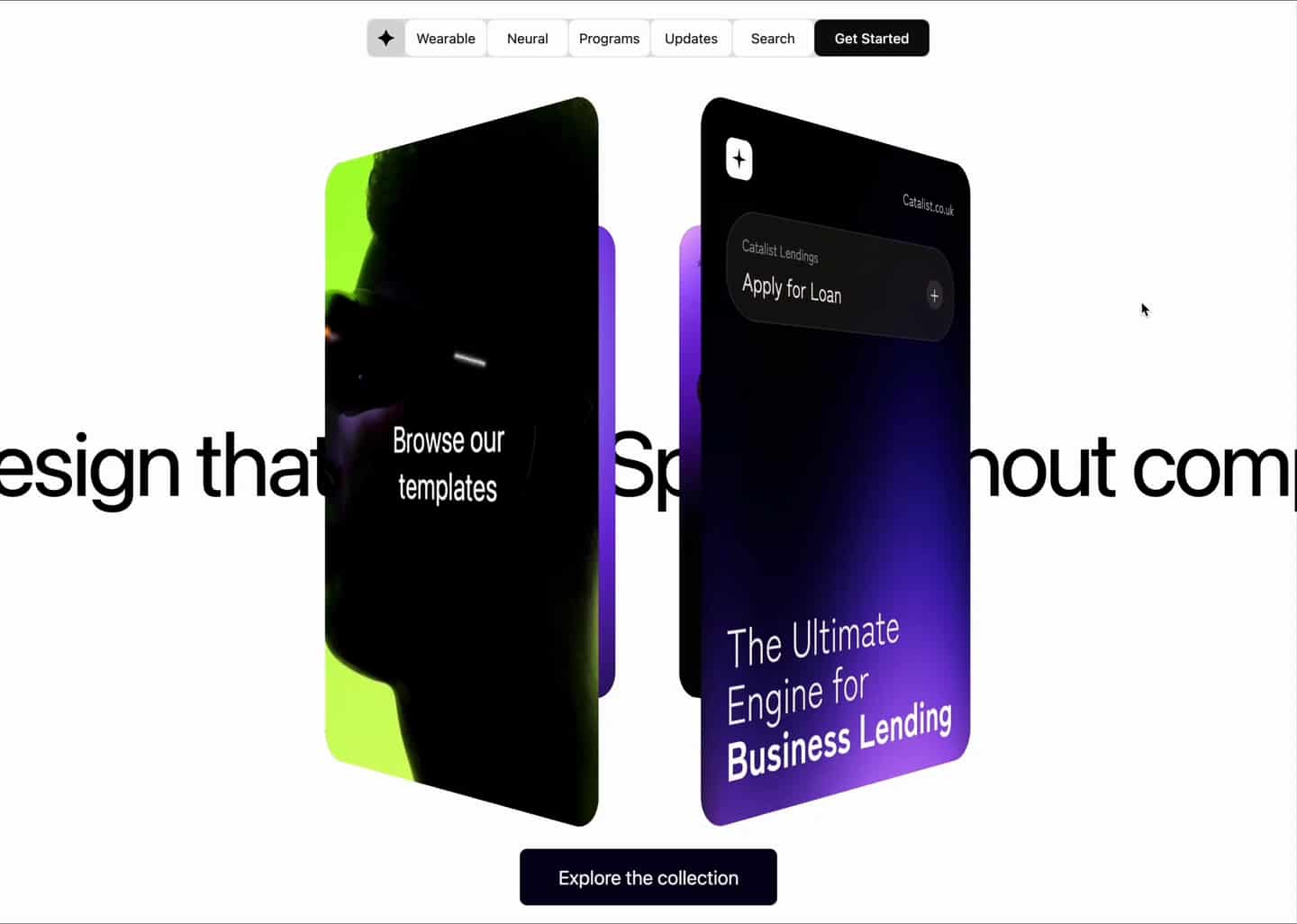
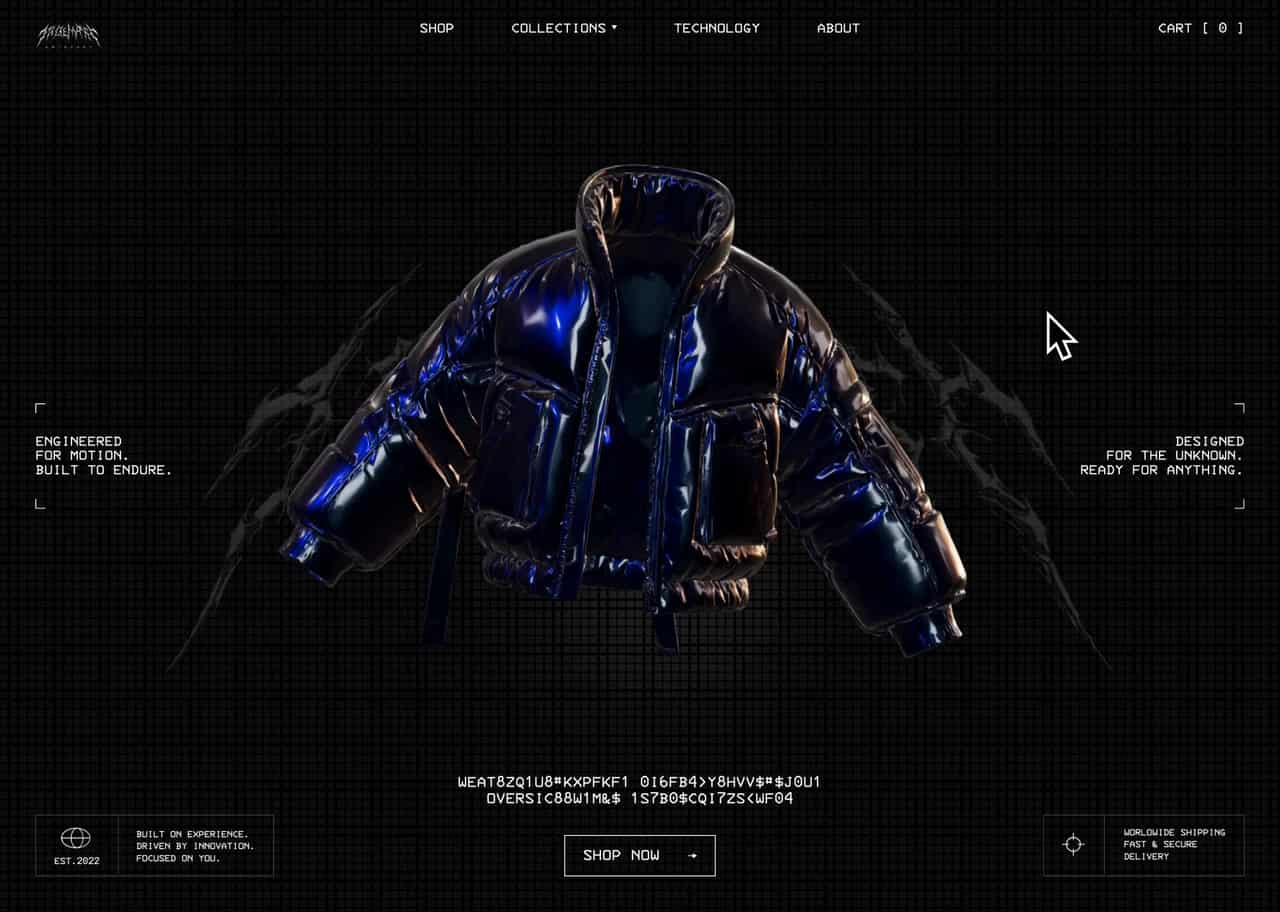
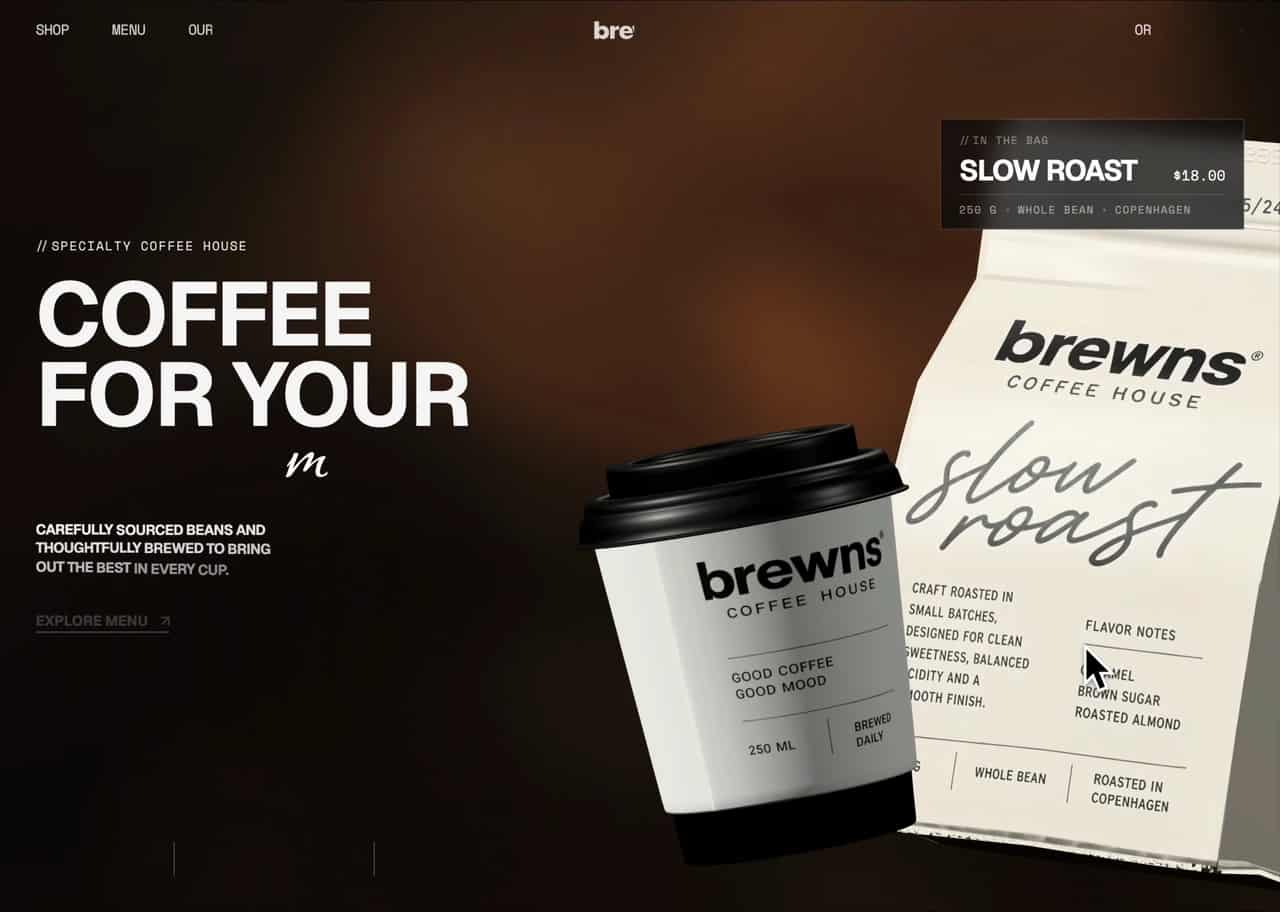
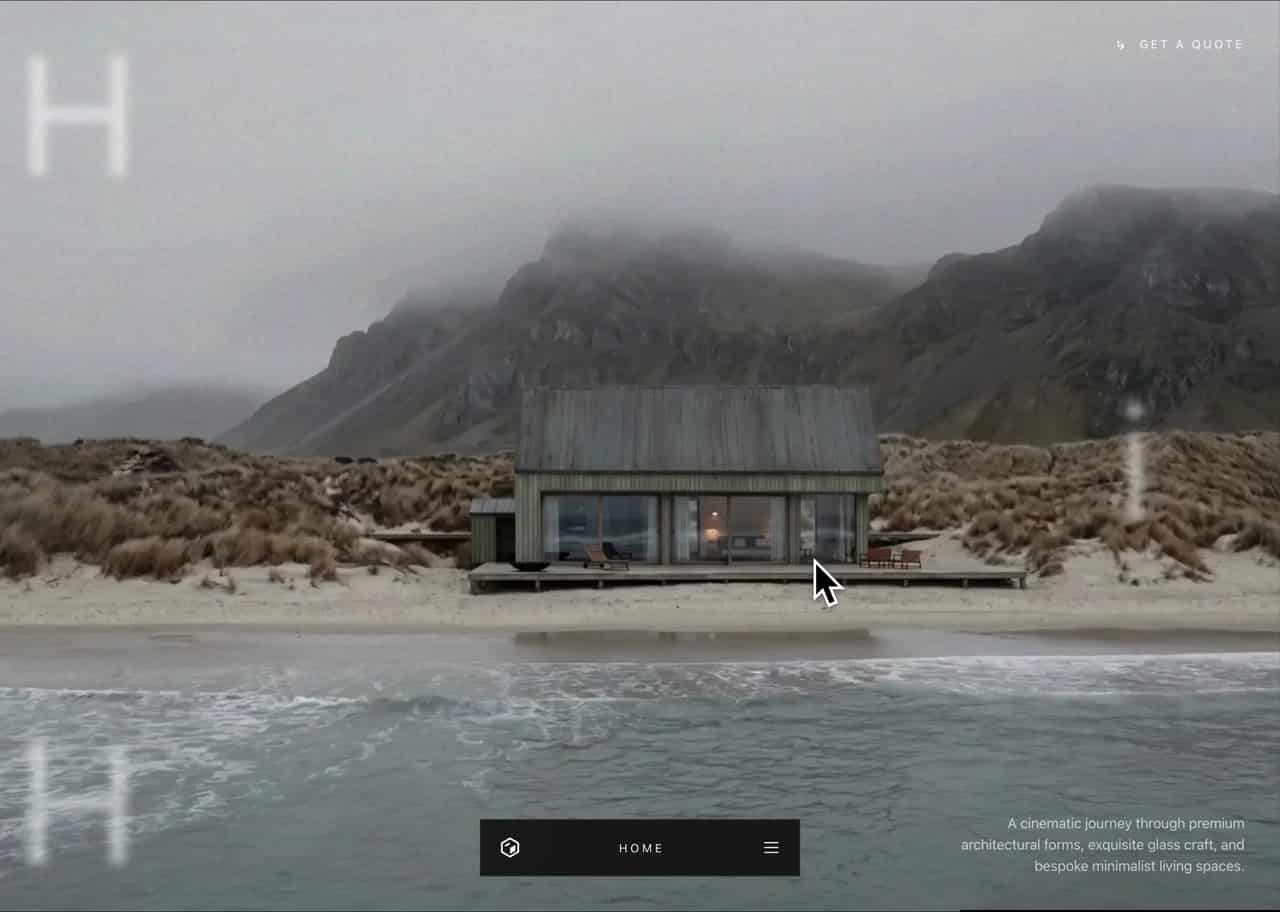
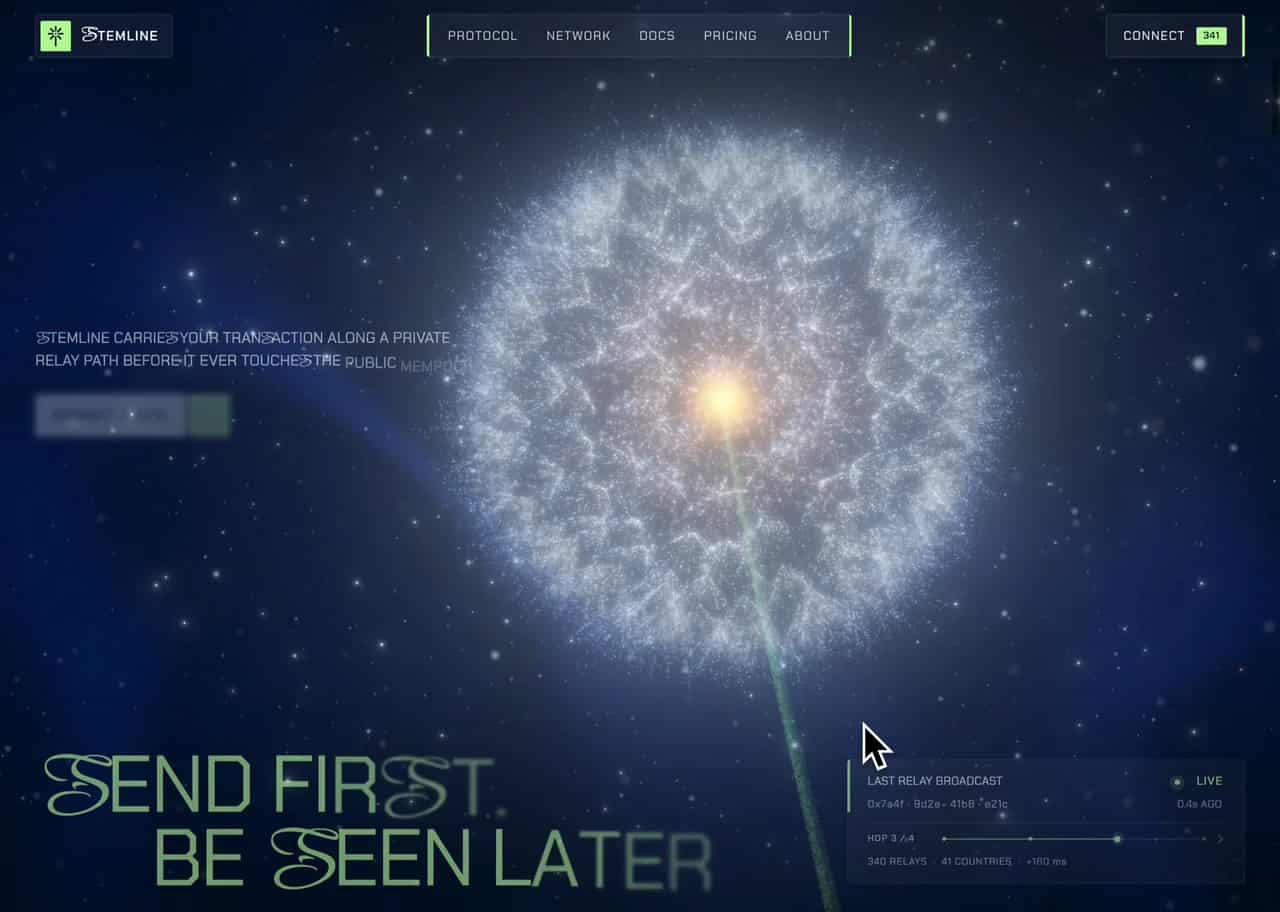
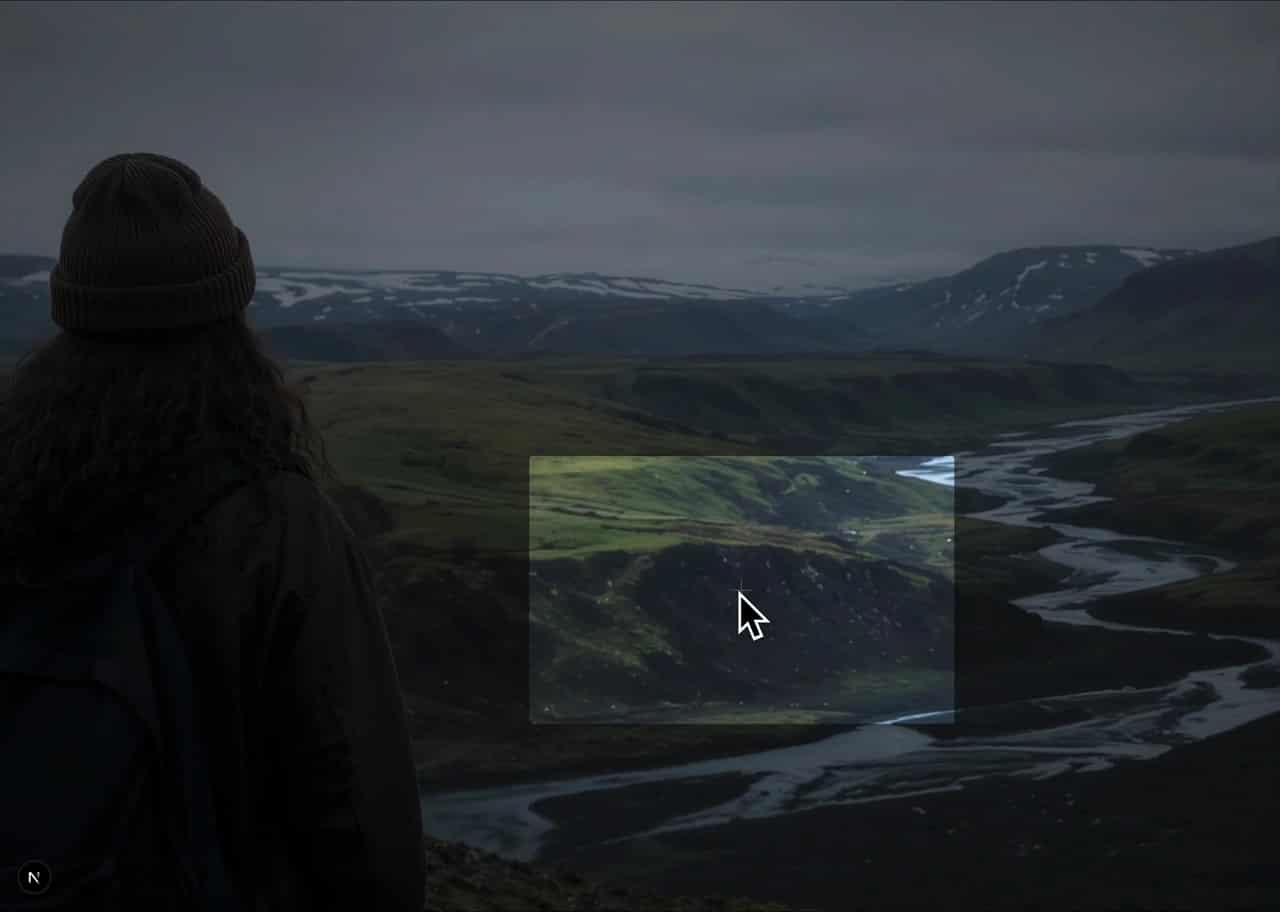
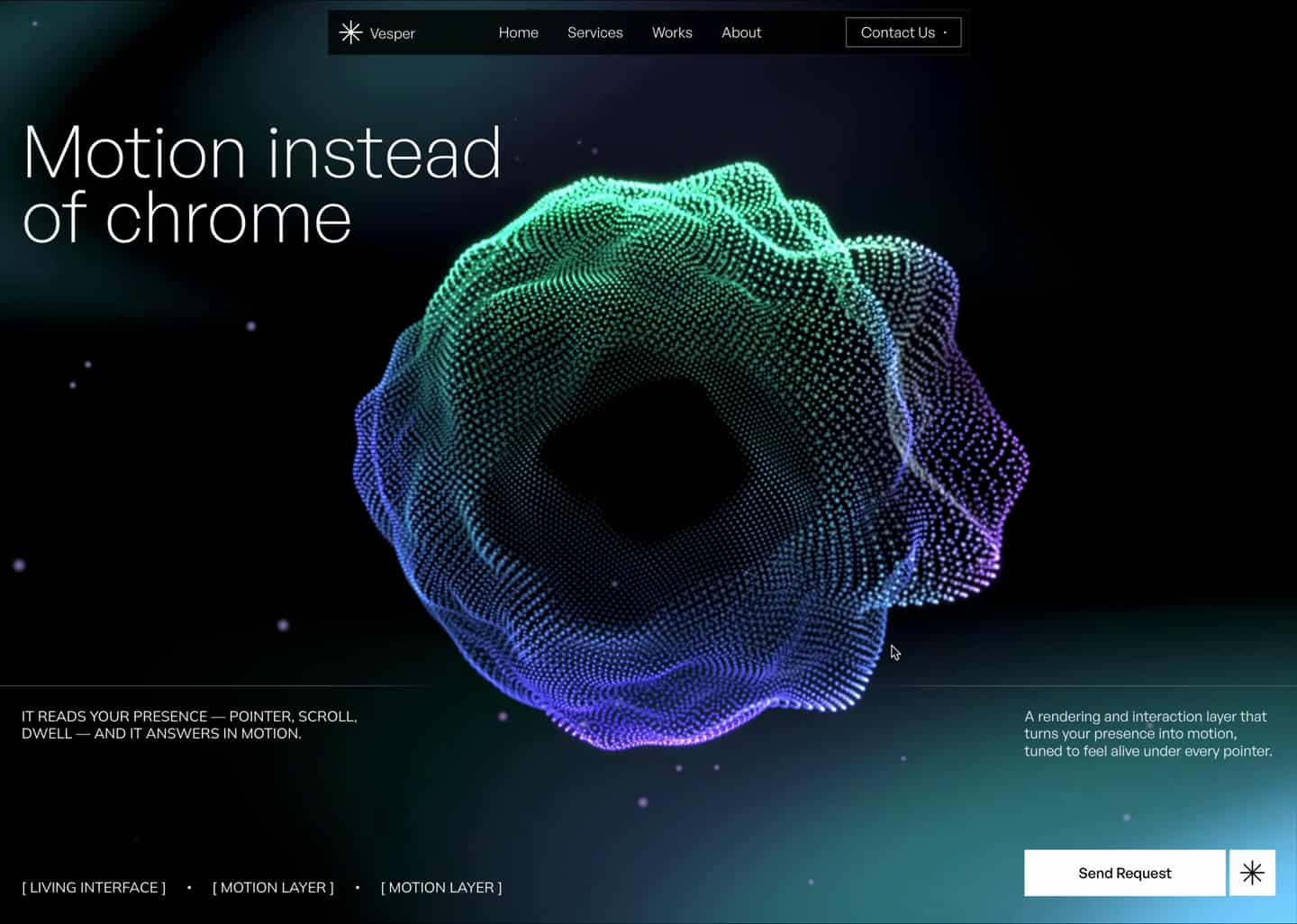
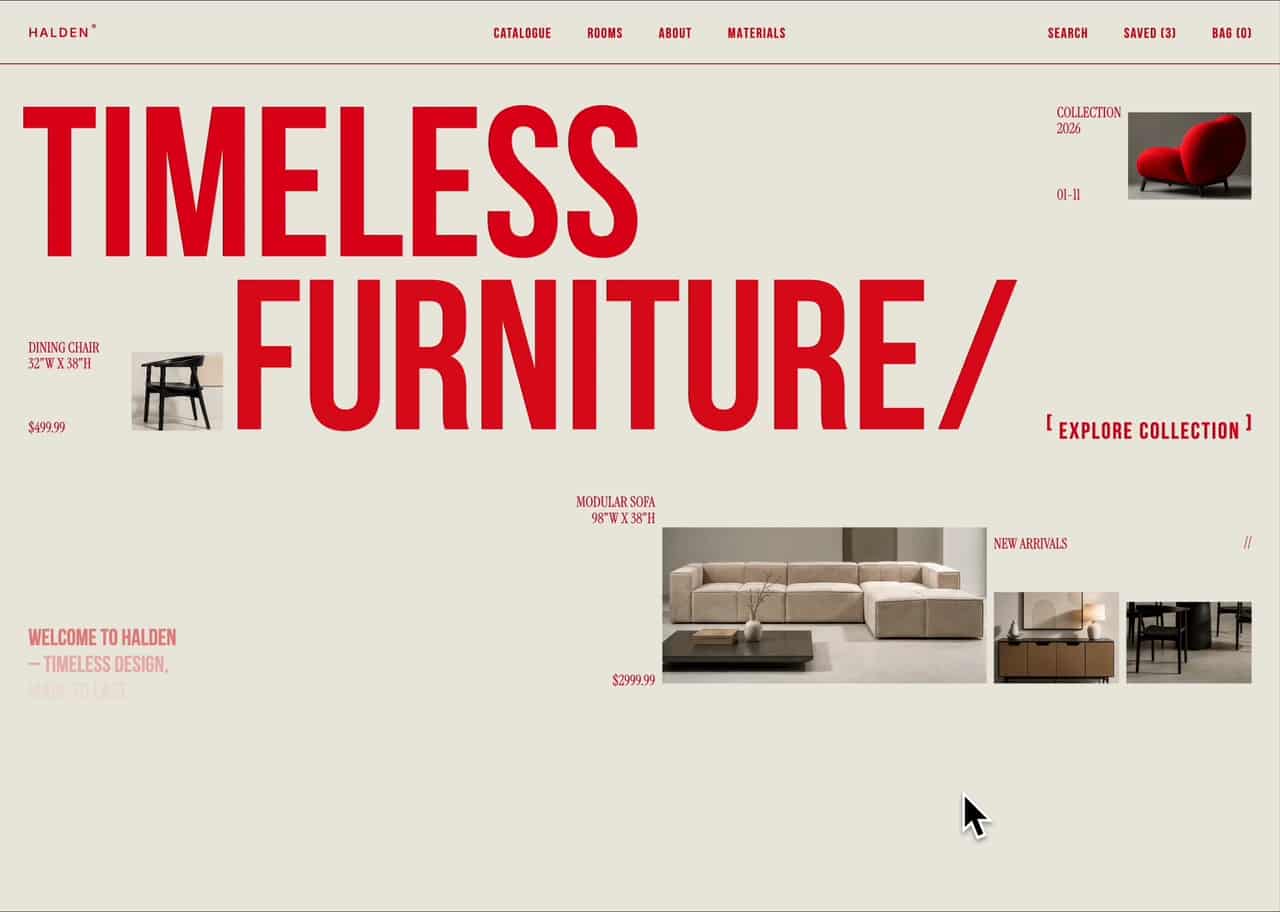
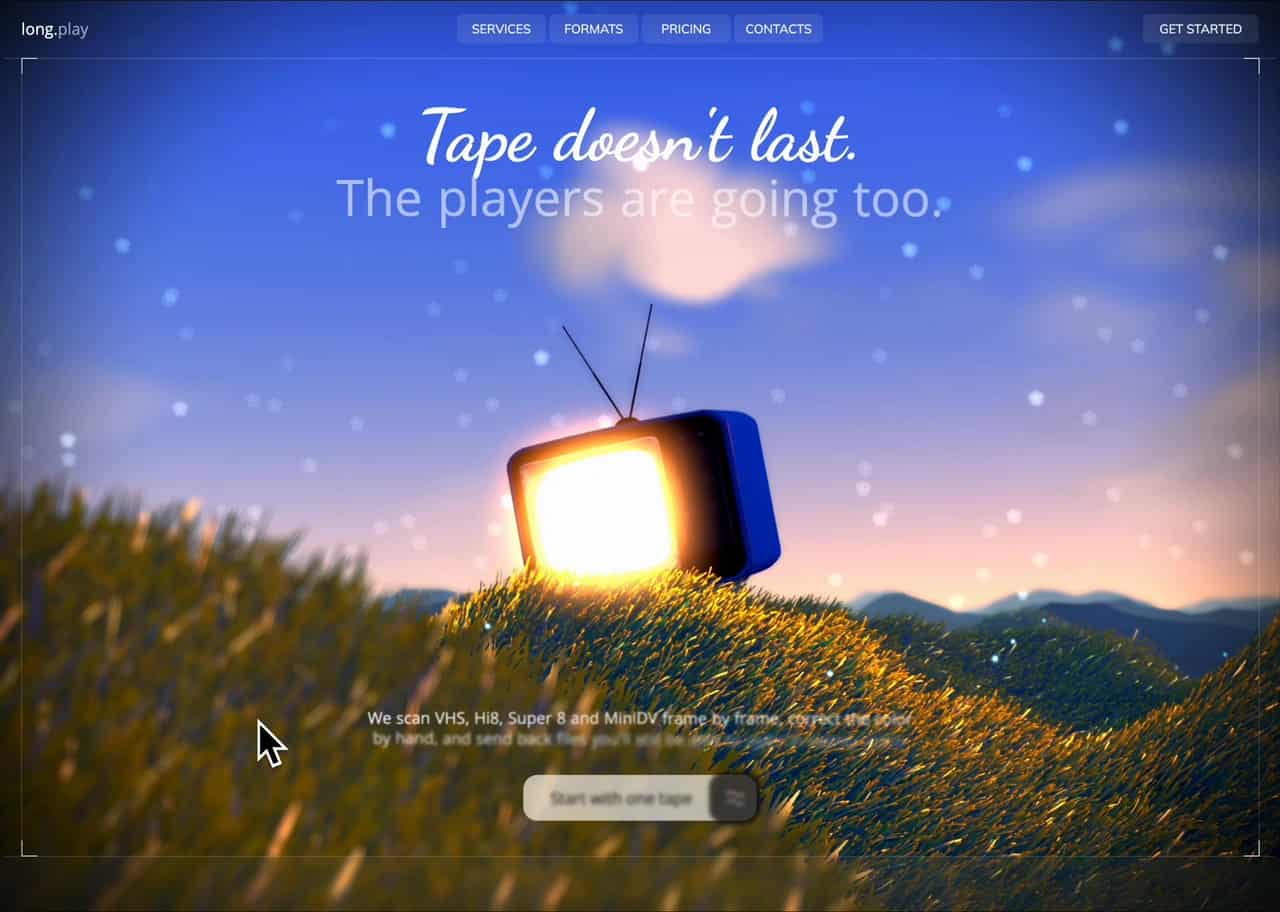
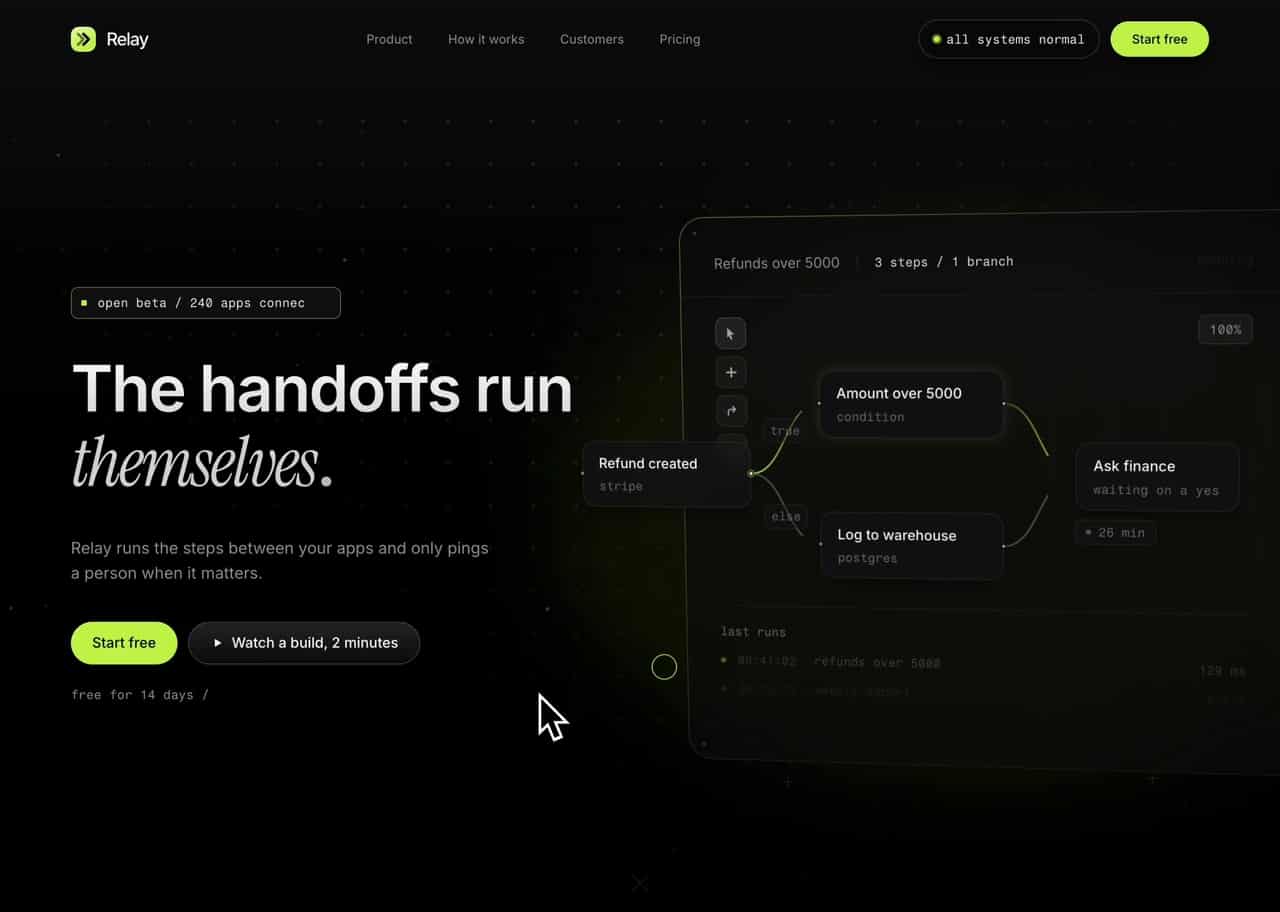
GetLayers lets you build an immersive website with AI, instead of the generic one you get by default. You start from a layer that already has the craft in it, then prompt it into your own version.
Ask an AI for a website and you get the average of everything it's seen: a centred hero, three feature cards, a flat gradient. That's not the model failing — it's the model with nothing to work from.
A layer is that foundation — a finished piece of design (motion, depth, atmosphere) handed to the AI as context, so it builds on craft that's already there instead of inventing the hard parts.
Grab a layer, copy or download its prompt, and prompt exactly the way you always do — change the copy, swap the palette, make it about your business.
When you want a site that stands out, and you'd rather direct an AI than start from a blank design file.
Three steps: copy a prompt from a layer, paste it into your AI, and extend what it builds. The AI does the execution; the prompt does the directing.
Copy a layer's prompt, paste it into the AI tool you already work in, and it generates the layer as a single self-contained HTML file — the page, motion and all. That file is your starting point.
To move it into another technology, hand the file to an AI and tell it which stack to rebuild it in. Nothing about the result is locked to us.
To skip the generation step, Full Stack subscribers can download the source files instead — the actual code we built the layer from. Which format you get depends on the category.
There's a second route that skips the copying entirely: connect the GetLayers MCP and your AI assistant reaches the library itself, searching it and pulling in what it needs while it builds.
Start here if you've never used a layer before — it's the shortest path from the library to a page on screen.
A prompt is instructions your AI runs to recreate a layer as a single self-contained HTML file. A source file is the actual code we built the layer from, downloaded directly. Prompts are stack-agnostic; source files are ready to run.
A prompt is portable. The AI outputs one self-contained HTML file that assumes nothing about your framework, build step, or folder structure — give it to any AI with "recreate this following my project's structure" and you're in Vue, Astro, Svelte, WordPress, or anything else.
A source file is direct. No generation step, nothing to interpret — you get exactly what you saw in the preview. It comes in a category-specific format: templates and sections as Next.js, 3D scenes as standalone HTML, video backgrounds as the file itself.
Reach for a prompt when you want the layer in a stack we don't ship, or you'll reshape it heavily anyway. Reach for a source file when you want the result as designed, ready to run.
Read this before your first layer. Which mode you pick determines every step that follows.
Yes. The GetLayers MCP connects your AI coding assistant to the real library, so it builds whole sites, designs original 3D scenes, and wires in backgrounds without you copying a single prompt. Setup for every client is on the MCP page.
Everything else in these docs is the manual route: pick a layer, copy its prompt, paste it into your assistant. The MCP removes the copying — the assistant reaches the library itself, searches it, previews what it finds, and pulls in the pieces it needs while it builds.
It runs as a remote server you connect once, and it works in Claude Code, Cursor, ChatGPT, Windsurf and any other MCP-capable client. After that you describe what you want in your own words — the more detail, and for scenes the more reference images, the better.
It's included with Full Stack Lifetime. The MCP page has the install command for each client, the five things it can do, and prompts you can paste in to have your assistant set itself up.
There is a limit on how much the assistant can pull in one stretch. It is sized for building — a whole site in a sitting is comfortably inside it — and it exists so the library cannot be drained wholesale by anything pointed at it. You are unlikely to meet it while working; if you do, it clears on its own.
When you'd rather direct your assistant than shuttle prompts by hand — and especially when you're building a whole site rather than dropping in one layer.
Templates are complete pages — either a standalone hero or a full landing page. As a prompt you get a single self-contained HTML file; as a source file you get a Next.js project.
A template is the whole thing: layout, motion, type, and the atmosphere that holds them together. Some are heroes for a page you already have; others are full landing pages you can ship once the copy is yours.
As a prompt, your AI rebuilds it as one self-contained HTML file — everything inline, nothing to install. As a source file you get a Next.js project, because templates carry a lot of motion and server-side rendering is what keeps a heavily animated page fast and crawlable.
Some templates still need optimisation for mobile performance and load speed. Next.js covers most of it out of the box — content ships in the initial HTML so crawlers index it without running animation JS, and heavy scenes can be client-side only so they never block first paint.
When you need a whole page or a finished hero — a launch site, a product landing page, a portfolio front.
3D scenes are reusable Three.js scenes — particle fields, shaders, animated geometry. Both the prompt and the source file produce a single self-contained HTML file, so a scene drops into any stack. The source adds a Controls panel for tuning the effect through a UI. Full Stack subscribers only.
A 3D scene isn't a page — it's a component you drop into one you're already building: behind a hero, as a section backdrop, as an interactive centrepiece.
It's the one category where the prompt and the source file give you the same thing: a single self-contained HTML file. There's no Next.js version on purpose — wrapping a drop-in scene in a framework hands you a whole project environment when all you wanted was the scene.
The file carries its own Three.js setup, render loop, and shaders. Lift the parts you need, or point your AI at the file and tell it to port the scene into your structure.
When a section needs depth or atmosphere that flat CSS can't reach — a 3D hero for a SaaS landing page, an interactive backdrop behind a pricing table.
Sections are individual immersive blocks — sliders, FAQs, forms, feature rows. As a prompt you get a single self-contained HTML file; as a source file you get Next.js.
Sections are for pages you've already started. One part falls flat — the FAQ accordion, the testimonial slider, the contact form — and a section replaces just that part, without rebuilding the page around it.
As a prompt, it arrives like everything else: one self-contained HTML file you can view straight away and port anywhere.
Sections are meant to be composed, so they're written to be pulled apart. Take the interaction and leave the styling, or keep the layout and rewrite the copy.
When the page exists and one block of it needs to be better — not when you're starting from nothing.
Backgrounds are ready-made video loops. There's no prompt — you download the file or copy its link, then embed it. It's the one category where an AI has nothing to generate.
You can't prompt your way to a video. A background isn't code to recreate, it's an asset to use: grab the file, or a link to it, and put it in your page.
A background should sit behind your content without competing with it — in practice, lower contrast and slower motion than feels right when you view it on its own.
When a hero or section needs motion and depth, and a 3D scene would be more weight than the moment calls for.
Gradients are animated, pointer-interactive backdrops drawn in plain WebGL — no three.js, no build step, about a kilobyte of shader. Tune the colours in the browser, then take that exact state away as a prompt.
A gradient is the lightest layer we ship: one fragment shader and a few lines of setup. It reacts to the pointer, holds full frame rate on a phone, and costs a fraction of what a 3D scene does.
Every gradient carries a set of colour presets, and the palette is yours to move — pick a preset or push the colours where you want them. What you copy is the version you tuned, not the default.
Because it's plain WebGL there's nothing to install around it. The same handful of lines drops into a React component, a static HTML page, or a theme you didn't write.
When a section needs colour and motion behind it and even a 3D scene is more weight than it's worth — hero backdrops, dividers, card fills.
Because a single self-contained HTML file is stack-agnostic. It carries no build step, no dependency tree, and no assumptions about your project — so it drops cleanly into any AI environment and can be rebuilt anywhere.
The alternative — emitting framework code directly, a React component or a Vue SFC — makes a choice that should be yours. The moment a prompt emits React, it's wrong for everyone who isn't on React.
One file is also the cleanest handoff to another AI: it fits comfortably in context, complete and unambiguous. Give a model a folder tree instead and it starts guessing.
The file isn't the final format — it's the portable intermediate you translate from, into whatever you actually ship.
Templates and sections are heavily animated, and heavy animation is exactly what usually breaks SEO. Next.js gives us server-side rendering and bundle separation, so the page stays immersive for people and readable for crawlers.
Immersive pages are usually one big client-side bundle: the bot arrives, finds an empty div, and leaves.
Server-side rendering breaks that trade-off. The markup renders on the server, so a crawler gets a complete document with real headings and copy, while the visitor's browser hydrates it into the full animated experience.
Bundle separation does the rest — 3D, shaders, and large motion code load when they're needed instead of holding up first paint.
Next.js is the most direct route to both. If you ship something else, that's what the prompt path is for — nothing in the design depends on the framework.
By rendering on the server and splitting the heavy code out of the critical path. The crawler gets a complete HTML document, the visitor gets the full animated experience, and neither one waits on the other.
Three things do the work: server-side rendering (the document arrives complete, so a bot scans real headings instead of waiting on JavaScript), bundle separation (shaders, 3D, and motion engines load once the page is usable), and restrained motion (the main thread stays free during the moments the score is measured).
That said, not every template is SEO-optimised out of the box — some will still need work from your side.
Read this when someone tells you an animated site can't rank — or before you rebuild a layer client-side and undo the work.
Free unlocks a curated set of prompts. Unlimited adds the rest of the prompt library and a commercial-use licence. Full Stack adds the source files for every layer, a private Discord, and the weekly drops.
Free is a curated set of prompts, open to everyone — meant for browsing and experimenting rather than client work.
Unlimited opens the full prompt library with a commercial-use licence: ship what the prompts produce, in any product, no attribution required.
Full Stack adds the source files behind every layer, the GetLayers MCP for your AI assistant, a private Discord, and every future weekly drop. For the full comparison and current prices, see our pricing page.
License — what's allowed. You can use the prompts to build websites and deliverables and sell those to your clients. What isn't permitted is copying, redistributing, or reselling the prompts or source templates themselves as standalone or competing products. See our Terms of Use for the detail.
Whatever the plan, don't ship a layer exactly as it comes. Extend it, rework it, make it yours.
Common questions about prompts, stacks, models, and licensing — and what to check first when a prompt doesn't produce what the preview showed.
If something isn't working, check the model first — a wrong or outdated model accounts for most reported mismatches.
The prompts are model-agnostic — plain structured language that runs on any current coding model, including Claude Fable 5, Claude Sonnet 5, Claude Opus 5, Claude Opus 4.8, GPT-5.5, GPT-5.6 Sol, Gemini 3.1 Pro, Grok 4.5, GLM-5.2, DeepSeek V4-Pro, MiniMax M3, and Kimi K3.
Check the model first — every prompt is tested against Claude Opus 4.8, and weaker or older models tend to lose the motion and depth while keeping the structure. After that, confirm the prompt was pasted whole and unedited. Full Stack subscribers can raise it in the private Discord and we'll work through it.
Yes. Prompts generate a single self-contained HTML file, which you can then hand to an AI along with your project and ask it to rebuild following your structure. Alternatively, state your target stack in the prompt up front and it will build there directly. Anything the AI can reach works.
Both, depending on your plan. Every plan gives you prompts. Full Stack adds the downloadable source: Next.js for templates and sections, a self-contained HTML file for 3D scenes, and the raw file for video backgrounds.
Yes, with a Premium plan — Unlimited and Full Stack include a commercial-use licence, so you can ship the output as-is in any product with no attribution required. Free prompts are for browsing and experimenting. In every case, extend the layer rather than shipping it untouched.
Because templates are heavily animated, and Next.js gives them server-side rendering and bundle separation — the two things that keep an immersive page crawlable and fast. If you ship something else, use the prompt path: the single-file HTML output is stack-agnostic by design.
Yes — connect the GetLayers MCP and your assistant works from the library itself: it searches the catalog, previews what it finds, and pulls in what it needs while it builds. It works in Claude Code, Cursor, ChatGPT, Windsurf and any other MCP-capable client, and it's included with Full Stack Lifetime. The setup for each client is on the MCP page.
Weekly. New prompts and source files ship every week, and they're included in Unlimited and Full Stack at no extra cost.