getlayers
LibraryToolsNewPricingDocsAffiliateContact
MCPFigmaNew
Sign in
Fill
Flora · Desktop
Flora · Phone
LLeo
Leo
MMaya
Maya
IIris
Iris
Figma plugin

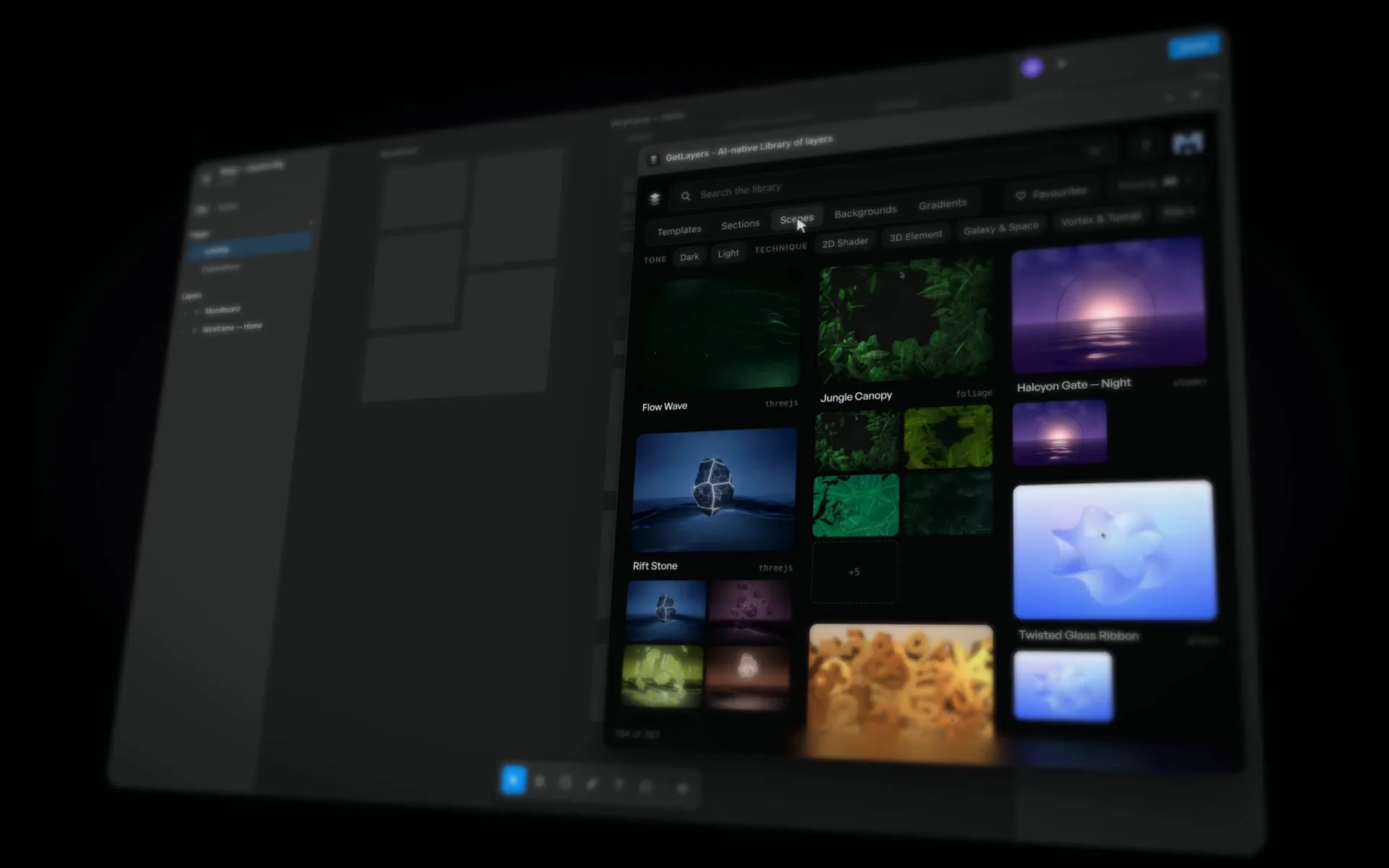
The whole library, inside Figma

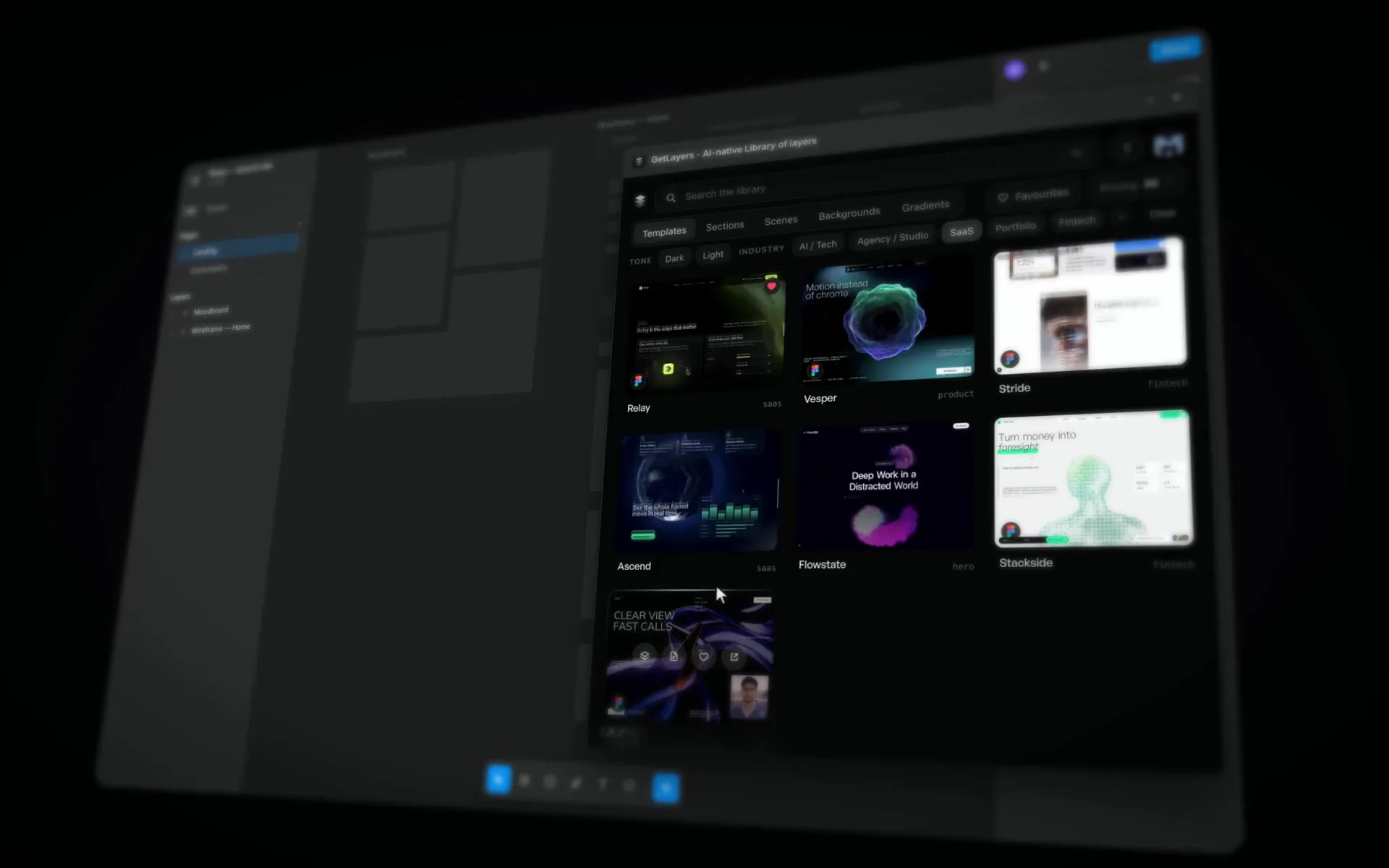
Templates arrive as editable design. Gradients tune live. Scenes and backgrounds go straight onto the canvas.

Get the pluginSee it work

Free · No account needed for free layers

How it connects

From your Figma file to a live site

  1. Figma

    Your Figma design

    A template placed as editable design, then made yours.

  2. MCP

    GetLayers MCP

    Your agent gets the real source: motion, scenes and code.

  3. MCP

    Figma MCP

    Your agent reads the edited frame and knows which template it came from.

  4. Live

    Live website

    Your edit, built with the motion in place.

getlayers

Build cinematic websites in minutes
with GetLayers.

Fresh prompts, every Friday.

Join the getlayers digest — new prompts
and AI design news, once a week.

By subscribing, you agree to receive our weekly email digest.

Product

  • Templates
  • 3D Scenes
  • Sections
  • Backgrounds
  • Gradients
  • Tools
  • Docs
  • MCP
  • Figma
  • Pricing

Company

  • About
  • Affiliate
  • Contact us
  • Privacy Policy
  • Terms of Use
  • Cookie Policy
  • Affiliate Terms

Social

  • textura.us
  • textura.eu
  • Facebook
  • Pinterest
  • Dzianis on X
  • Dzianis on LinkedIn

Contact

  • team@getlayers.ai
  • den@getlayers.ai
  • ©textura.agency

© 2026 getlayers · textura.agency

getlayers
GetLayers MCP + Figma

Edit in Figma. Your agent ships it.

Change a template in Figma, and your coding agent rebuilds the live site from that frame through the GetLayers MCP.

Explore the MCP
What it does

Everything in one panel

SSam
Sam
  • templates50+ templates
  • as Figma design30+ as Figma design
  • 3D scenes300+ 3D scenes
  • backgrounds270+ backgrounds
  • gradients1,000+ gradients

A whole site, as editable design

Templates and sections arrive as real Figma design: frames, text, auto-layout and styles, with tablet and phone frames next to desktop.
  • Live text
  • Desktop, tablet, phone
  • Layers with the Figma mark

Tune a gradient, place what you see

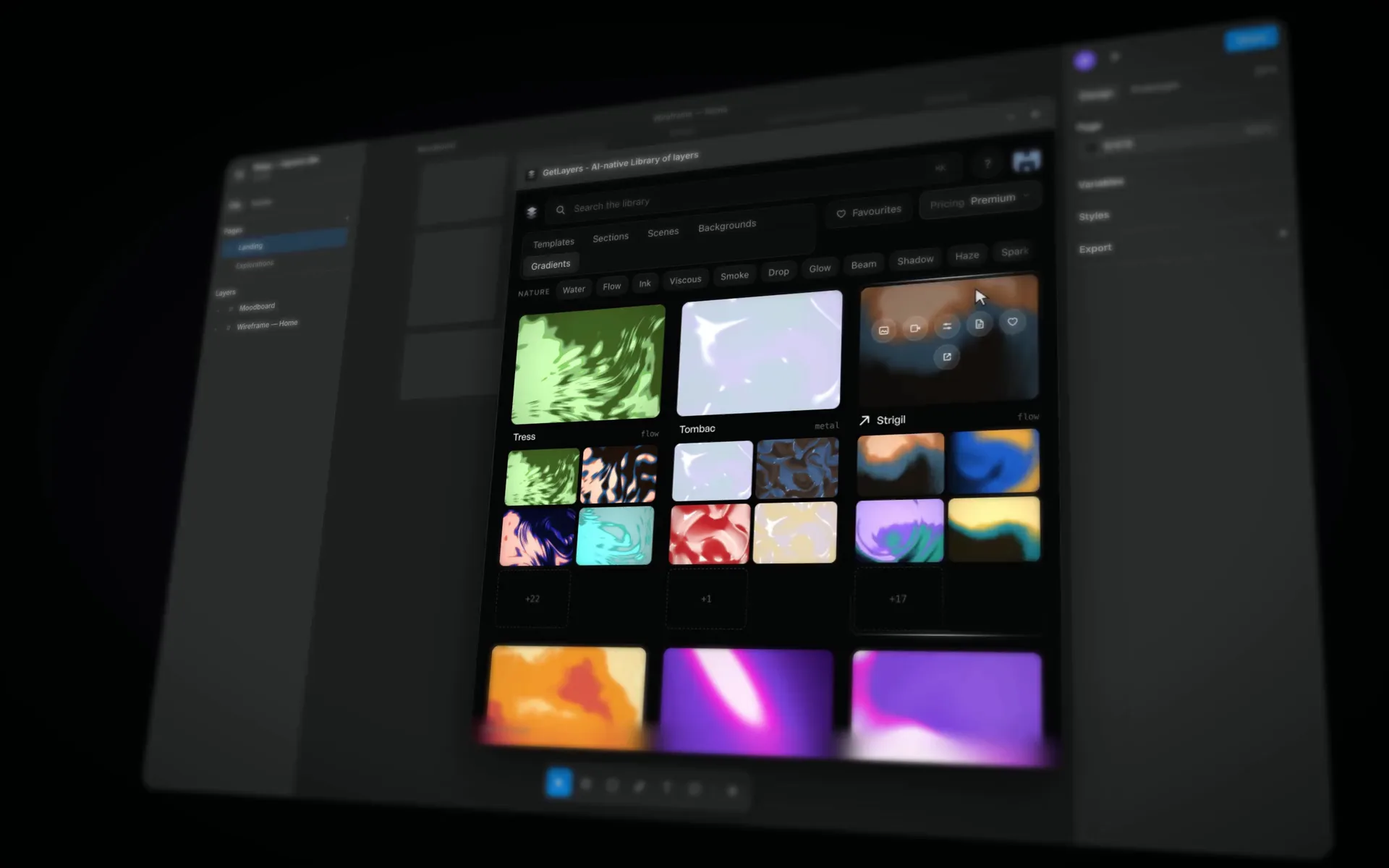
Gradients run as live shaders. Start from a shipped look, randomise colour or motion, drag the sliders, then place it as an image or a clip.
  • 1,000+ gradients
  • Shipped looks
  • Saved looks sync

3D scenes and backgrounds on the canvas

Place any scene or background as an image, or as video if your Figma team can add video. Copy its prompt from the same panel.

  • 300+ 3D scenes
  • 270+ backgrounds
  • Image or video
  • Synced

    Favourites, synced

    Layers you heart on getlayers.ai show up in the plugin, and the other way round.

  • Copy promptCopied

    Copy the prompt

    Give your developer or coding agent the prompt that rebuilds a placed design in code.

  • From Figma to a live site

    Edit a template in Figma, then build it into a site with motion using the GetLayers MCP.

Who gets what

The plugin is free. Your plan sets the rest.

LLeo
Leo
MMaya
Maya
Plan · Free

Everyone

Free, signed in or not

  • Browse the library
  • Free templates and sections as Figma design
  • Configure free gradients
  • Any scene, gradient or background as an image
  • Prompts for free layers
  • Favourites and saved looks (free account)
Plan · Paid

Unlimited Plus & Full Stack

Yearly or lifetime

  • Premium templates and sections as Figma design
  • Clean backgrounds, no watermark
  • Configure premium gradients
  • Every premium prompt

Any yearly & lifetime plan includes premium template, section and scene prompts.

Get the pluginSee plans & pricing
Good to know

What's covered, and what isn't

  • GetLayersNote 1

    Not every layer has a Figma file. Only layers with the Figma mark, in the plugin and on the site, place as design.

  • GetLayersNote 2

    Images work on any Figma plan. Premium backgrounds are watermarked without Unlimited Plus or Full Stack.

  • GetLayersNote 3

    Video needs a paid Figma team. Figma only lets paid teams add video. On a free Starter team the plugin places the still and says why.

  • GetLayersNote 4

    One account. The same sign-in and subscription as the site. No separate licence.

FAQ

Questions, answered

Our templates come with Figma designs. Edit them in Figma and rebuild the live site with the GetLayers MCP. Ideal for designers.

Designers who would rather start from a finished, animated site than a blank frame. Your developer or coding agent takes it from there.

Not to design. Everything in the plugin happens in Figma. To ship your edit, a coding agent rebuilds it through the GetLayers MCP, or you hand its prompt to a developer.

Editable design, not an image: frames, live text, auto-layout and styles, with tablet and phone frames next to desktop.

Yes. Browsing, free layers, and any scene, gradient or background as an image are free for everyone, signed in or not.

Unlimited Plus and Full Stack, yearly or lifetime. Any yearly & lifetime plan includes premium template, section and scene prompts (plans & pricing).

Figma only lets paid teams add video, so on a free Starter team the plugin places the still.

No. The plugin uses your GetLayers account and subscription.

MMaya
Maya
LLeo
Leo
IIris
Iris

Start your next file from the library

Free in Figma Community.

Get the pluginSee plans